BLUE REFLECTION Quartet Completion Checklist
Tick off four-title progress, Reference unlocks, and optional goals stored locally in your browser.
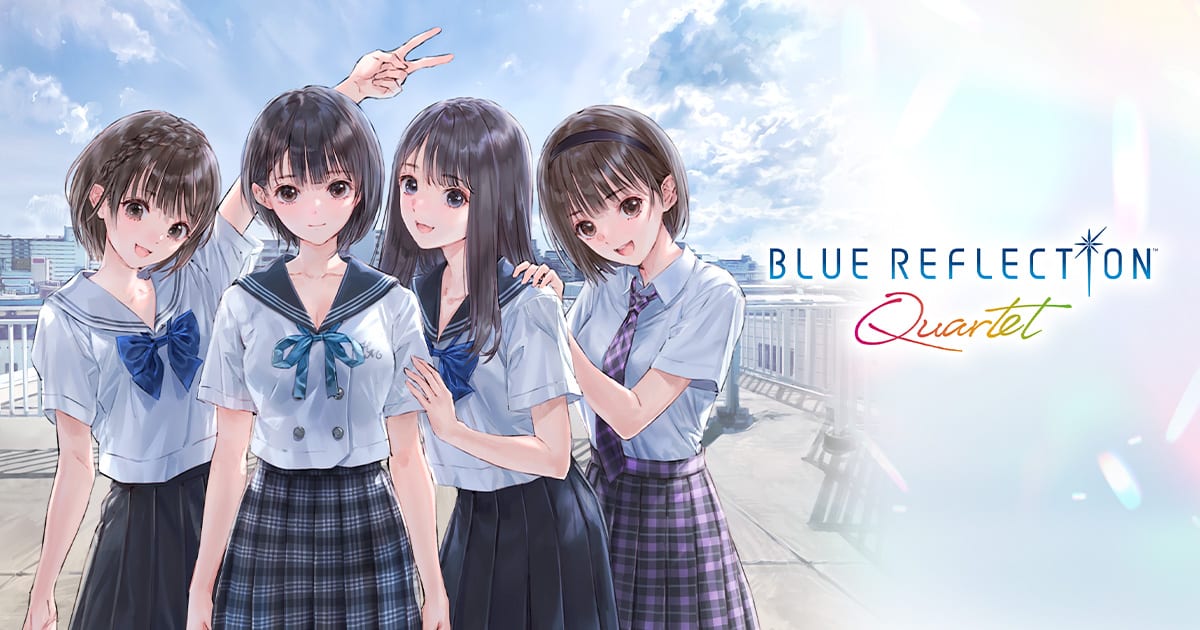
The completion checklist on this page helps you track long-horizon goals across BLUE REFLECTION Quartet without maintaining a external spreadsheet. Quartet spreads content across four launcher icons, a Reference database, Mel Kishida Gallery entries, and a teased bonus for clearing every story—easy to lose thread when you pause between titles for weeks. Use the embedded checklist module below alongside the playtime planner so time budgets and milestone tracking stay aligned.
How to use the on-page checklist
Locate the Completion checklist widget at the bottom of this article (also linked from the tools hub and home quick start). Categories typically include:
- Story clears — BLUE REFLECTION, RAY, SUN rebuild, Second Light main endings.
- Reference database — Major timeline and relationship chart unlocks tied to cross-title lore.
- Optional recruitment — Quartet-exclusive Second Light guests sourced from RAY and SUN.
- Collection extras — Gallery thresholds, Photo Mode goals, and completion bonus prerequisites from the completion bonus guide.
Check boxes after you verify progress in-game. Data saves to browser local storage on this device only.
Completion checklist
Track the four stories, Reference milestones, and bonus goals locally in your browser.
Progress: 0 / 9
Recommended tracking order
Follow release-order routing from the recommended play order so checklist sections unlock logically:
- BLUE REFLECTION — Mark main story complete; note bond branches you missed for NG+ Fragment goals (fragments and bonds).
- RAY — Tick memory shard milestones and finale prologue/epilogue scenes unique to Quartet.
- SUN — Track twenty-four event completion and squad Date outcomes; cross-check SUN walkthrough for calendar-locked episodes.
- Second Light — Clear main arc, then optional Quartet recruit quests; compare roster plans with the Second Light party tier list.
After all four story flags register, revisit the completion bonus page for any remaining teased requirements once launch confirms details.
What the checklist does not do
It cannot read save files, Steam achievements, or platform trophies. Treat checks as self-reported reminders. Clearing browser data resets the widget—screenshot progress before reinstalling browsers or wiping site permissions.
Switch and Switch 2 are separate Quartet purchases without save transfer; maintain separate mental notes if you play both (platforms and requirements).
Pair with sibling tools and guides
Playtime planner — If checklist growth outpaces planner projections, raise hour estimates or cut optional recruits until the next holiday break.
Walkthrough hub — Use chapter pages when a checkbox requires a specific flag you might have skipped during Free Time rush.
Systems hub — Fragment and Date-heavy boxes benefit from reading builds so you know which optional farms are worth marking complete.
Updates hub — When patches add episodes or checklist-worthy content post-July 2026, update local notes here after reading patch summaries.
Completionist tips without burnout
- Mark Reference milestones when they appear, not at endgame—some tie to mid-story dialogue you cannot replay cheaply.
- Separate story required boxes from 100% optional ones mentally even if the widget groups them; finish the saga first, obsess later.
- Sync checklist sessions with craft stockpiles in items before Second Light finale weeks.
- If a box depends on a missed BLUE REFLECTION bond branch, schedule NG+ instead of stalling the entire collection clear.
Privacy
No accounts, no analytics on checked states—consistent with the tools hub privacy notes. Your completion journey stays on your machine until you choose to share screenshots with friends or stream archives.
Frequently Asked Questions
Quick answers to the most common questions.
Where is the checklist widget on this page?
Scroll to the Completion checklist module embedded below this article—the same tool linked from the tools hub.
Does progress sync across devices?
No. Checklist data lives in browser local storage on the device where you tick boxes.
Does the checklist track the all-clear bonus?
It includes milestones aligned with the completion bonus guide; confirm exact requirements after launch.
Which tool pairs best with this checklist?
Use the playtime planner first for scheduling, then maintain this checklist during play.
Can I reset the checklist for NG+?
Clear relevant boxes manually in the widget or reset browser site data for this wiki domain.